Your OpenClaw, Ready to Work
Four updates that turn your OpenClaw into an always-on operator.
Hi OpenClaw Owners!
We've been asking ourselves one question: when does OpenClaw go from "ready to use" to "ready to work"?
That's what we're building toward. MyClaw is evolving into the version where your OpenClaw isn't just set up—it's part of how you get work done, every day. Today we're sharing four updates that just went live—each one making it easier to put your OpenClaw to real work.
A Cleaner Workspace
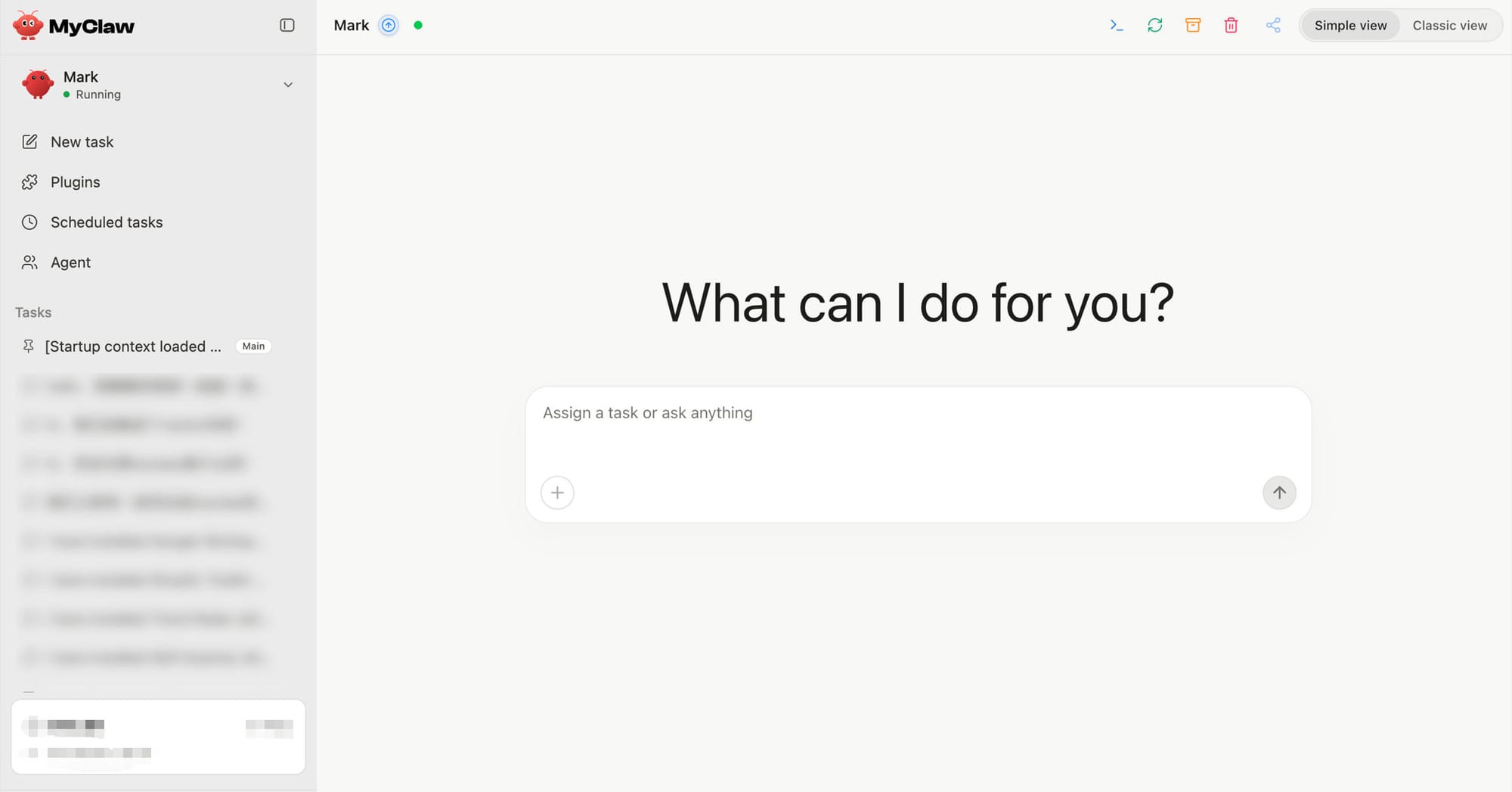
We rebuilt the entire conversation interface from scratch. It's simpler, easier to read, and faster to navigate.
Settings now live inside the conversation itself—no more hunting through menus or separate config pages. You open MyClaw, and everything you need is right there.
Think of it this way: an agent that's going to work for you deserves a clean desk. That's what this is.
Cron + Agents: It Schedules Itself
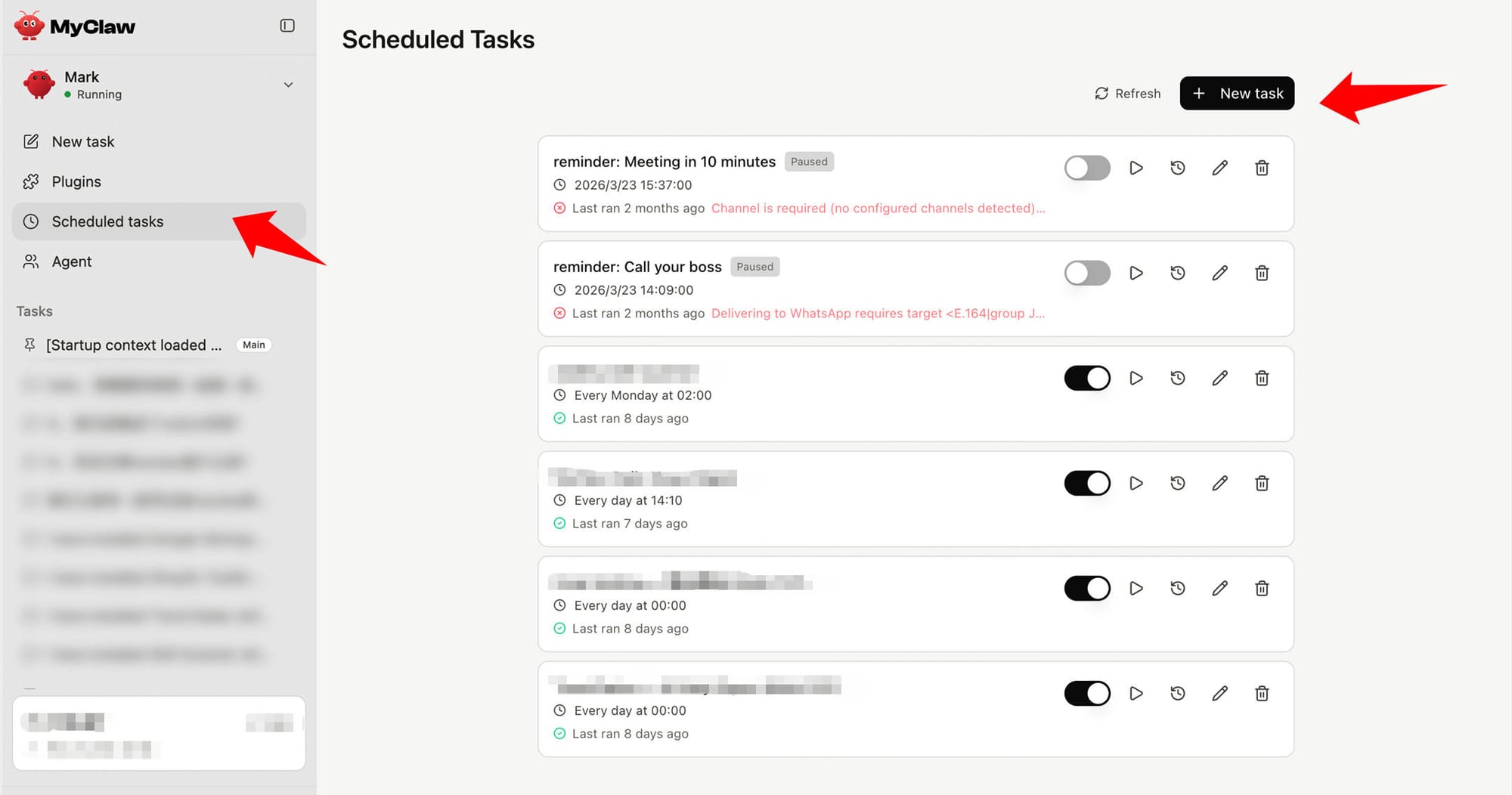
You can now set up scheduled tasks and custom agents directly in the chat. Just tell your OpenClaw what to do and when—it handles the rest.
No complex setup flows. No separate dashboards. You type it, it runs it.
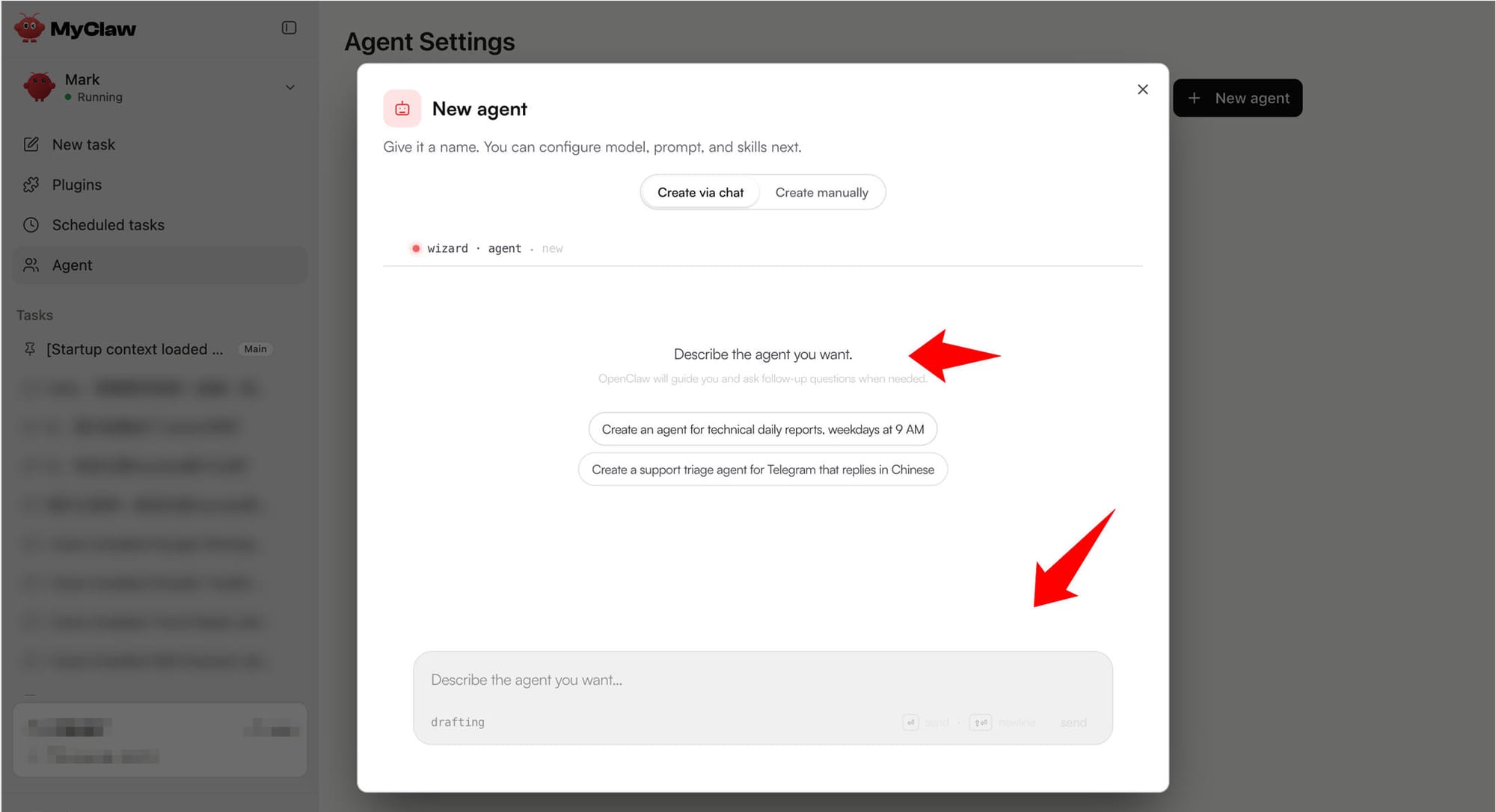
This is the shift from "you ask, it answers" to "it works on its own." Your OpenClaw can now wake up at 8am, pull your emails, prep a brief, and have it waiting before you sit down. That's what cron + agents unlocks.
Persistent Sessions: Long-Term Memory
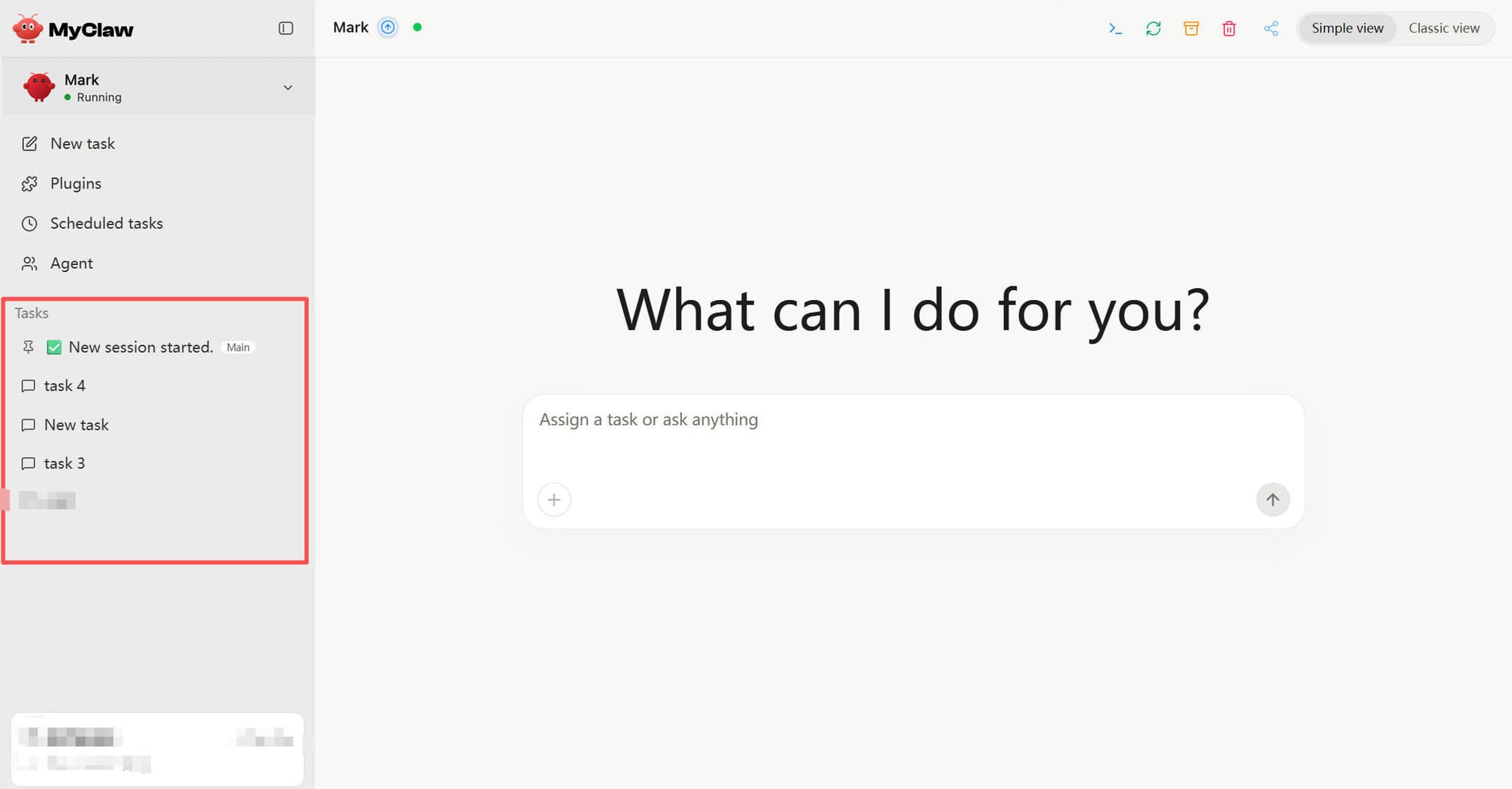
Here's something that used to frustrate people: older conversations would get archived by day. Scroll up and they'd just... disappear.
Not anymore. Your full conversation history is now preserved and searchable. Scroll up as far as you want—it's all there.
Why this matters for work: an agent that forgets everything overnight can't follow up on yesterday's task. Now it can. Context carries over. Multi-day projects stay coherent. Your OpenClaw remembers what it was working on.
Plugins: It Reaches Your Tools
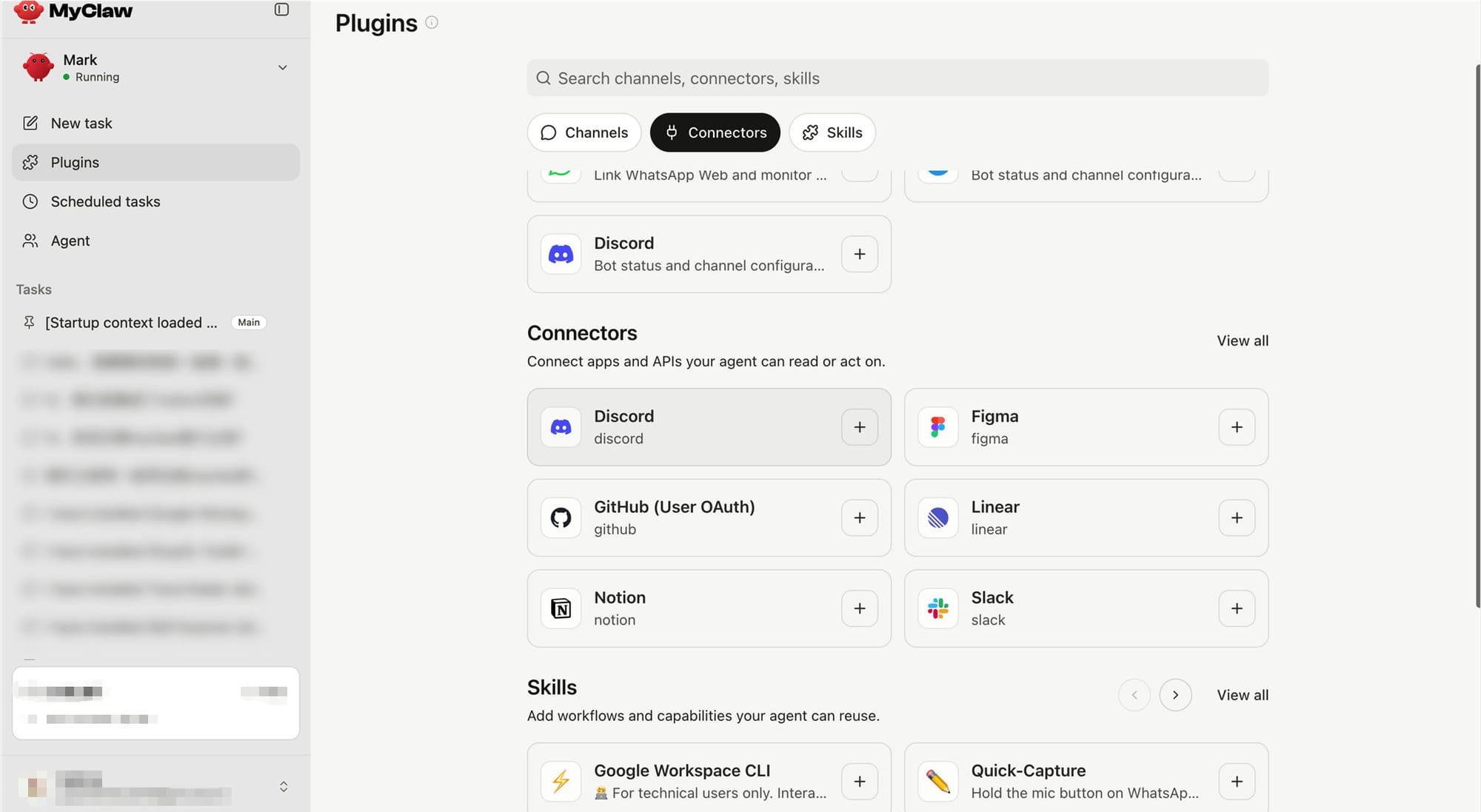
An agent that can't touch your tools can't do real work. So we made connecting dead simple.
Authorize and go: Telegram, WhatsApp, Discord, Slack, GitHub, Linear, Notion, Figma—just connect your account and it's live. No API keys, no developer setup.
Coming soon: Google Workspace (Gmail, Docs, Sheets, Calendar).
335 skills available today, one click to install. Whatever workflow you need—research, reporting, monitoring, drafting—there's probably a skill for it already.
The more tools your OpenClaw can reach, the more work it can do without asking you to copy-paste between apps.
Where We're Headed
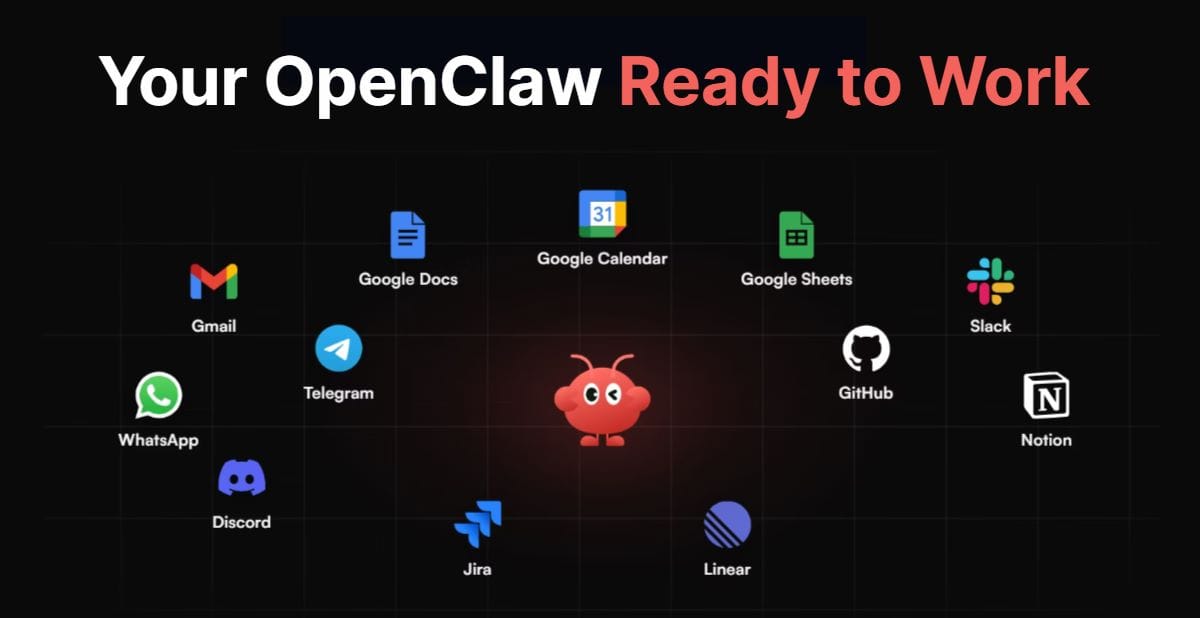
These four updates point in the same direction: MyClaw is becoming an agent that actually works for you.
Cleaner interface. Self-scheduling. Persistent memory. Connected to your stack. Each piece removes one more barrier between "give it a goal" and "it gets it done."
We're not done yet—but every step gets closer to an OpenClaw that's truly ready to work.
Thanks for being here and for the feedback that shaped these updates. A lot of what you're seeing today came directly from things you told us. Keep it coming.
— The MyClaw Team
MyClaw instantly match your preferences and workflows. From day one, your assistant actually feels like yours, not a generic chatbot pretending to learn.
Run OpenClaw on MyClaw.ai - No setup, No tech skills, Always-on 👇